Nightstand · now on Havoc

Made to feel
built in.

iPhone tweaks crafted with precision and care.
Rootless, iOS 15 and up.

The tweaks

Each one, done properly.

AnxieTea

Network monitor and firewall
Available

See every connection your iPhone makes, app by app, and decide which ones happen. A live meter in the status bar, a banner when an app reaches a new server, blocklists, and a firewall the kernel enforces. Nothing about your traffic leaves the phone.

  • Per-app monitor
  • Firewall rules
  • New-server alerts
  • Status bar meter
  • Blocklists
  • Wi-Fi Guard
Get it on Havoc AnxieTea iOS 15–26 · rootless
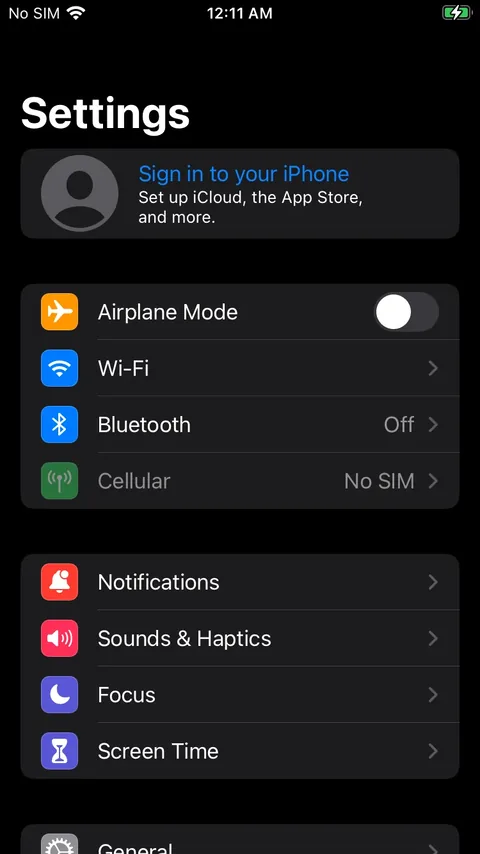
AnxieTea's main screen in the Settings app

Lasso

Screenshots and call recording
Available

Snap any part of the screen, then pin it above every app, read its text and codes, mark it up, record it with audio, calls included, transcribed on the phone, or capture a whole scrolling page.

  • Pin above every app
  • Text and codes
  • Mark up
  • Scrolling capture
  • Records audio
  • Records calls
Get it on Havoc Lasso iOS 15–26 · rootless
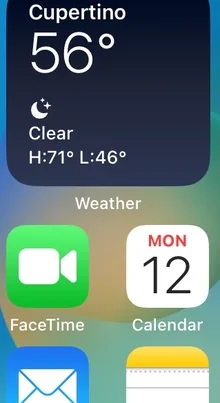
A snap of the home screen pinned above the Settings app
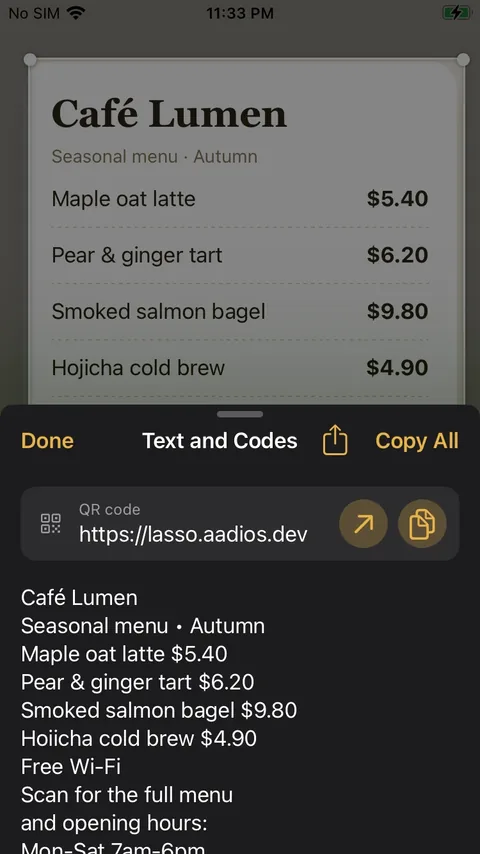
Lasso reading the text and QR code from a snapped menu
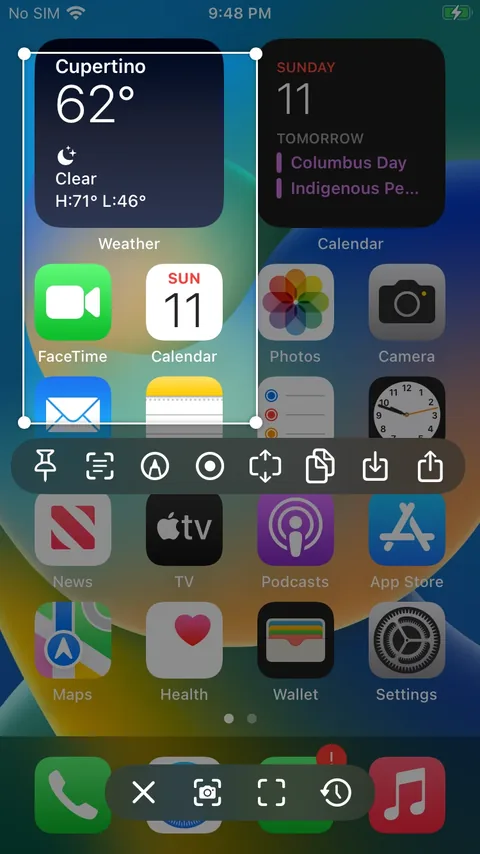
Snapping part of the home screen with Lasso's toolbar

Nightstand

Alarms and an always-on display
Available

Smarter alarms and an always-on display that knows when you wake. Alarms stay the system's own: skip holidays or dates, snooze your way, fade in, then stop them with a math, shake, walk or code challenge. At night the screen dims and goes dark, and it's back before your alarm.

  • Smarter system alarms
  • Stop challenges
  • Always-on display
  • Screensavers and clocks
Get it on Havoc Nightstand iOS 15–26 · rootless
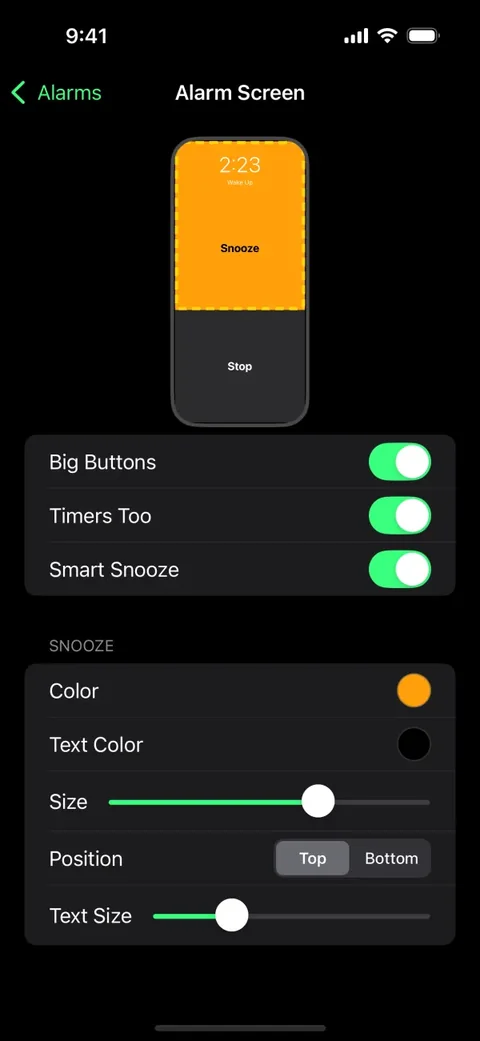
Nightstand's alarm screen settings: big Snooze and Stop buttons
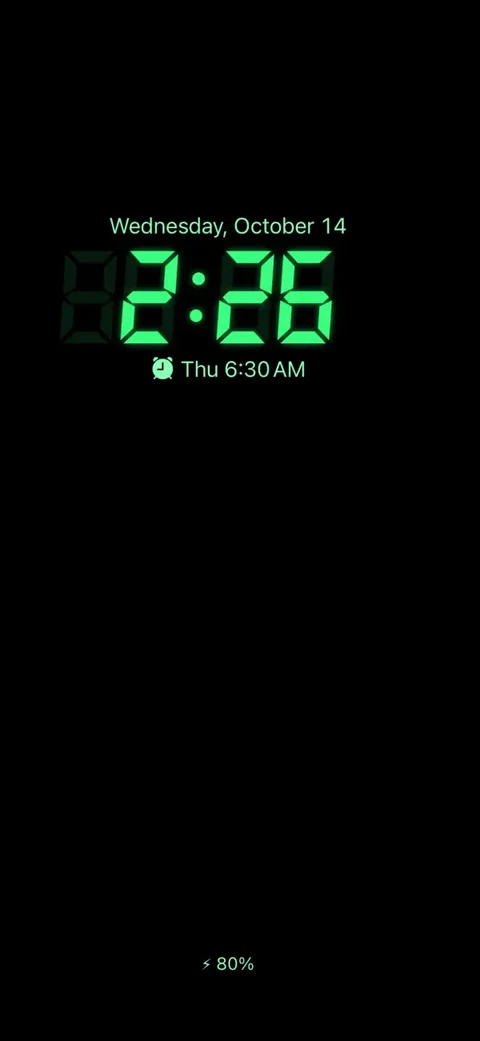
The always-on display with a green segment clock and the next alarm

CamHop

Your computer's webcam, on your iPhone
Available

Turn the webcam and microphone of your Mac or PC into your iPhone or iPad's camera, live over Wi-Fi. Open a link in the browser, enter a PIN, and video calls, streaming and recording apps see your computer's camera. Nothing to install on the computer.

  • Webcam and microphone
  • Live over Wi-Fi
  • Pair with a PIN
  • Nothing to install
Get it on Havoc CamHop iOS 15+ · rootless
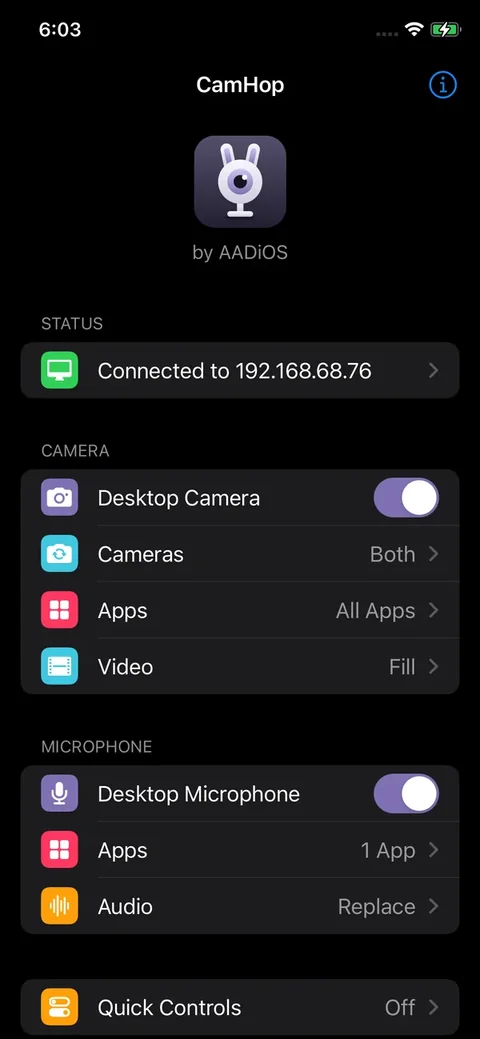
CamHop's settings, connected to a computer
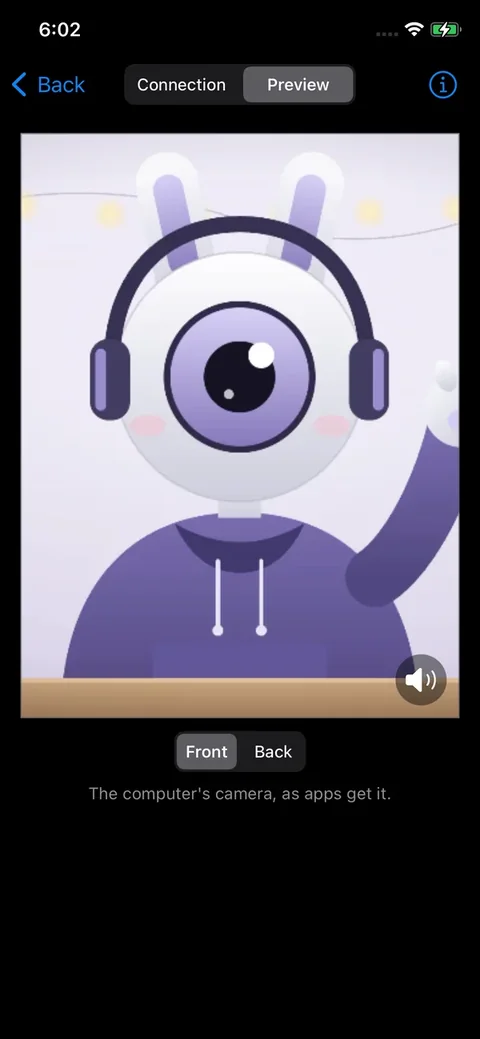
CamHop's preview of the computer's camera
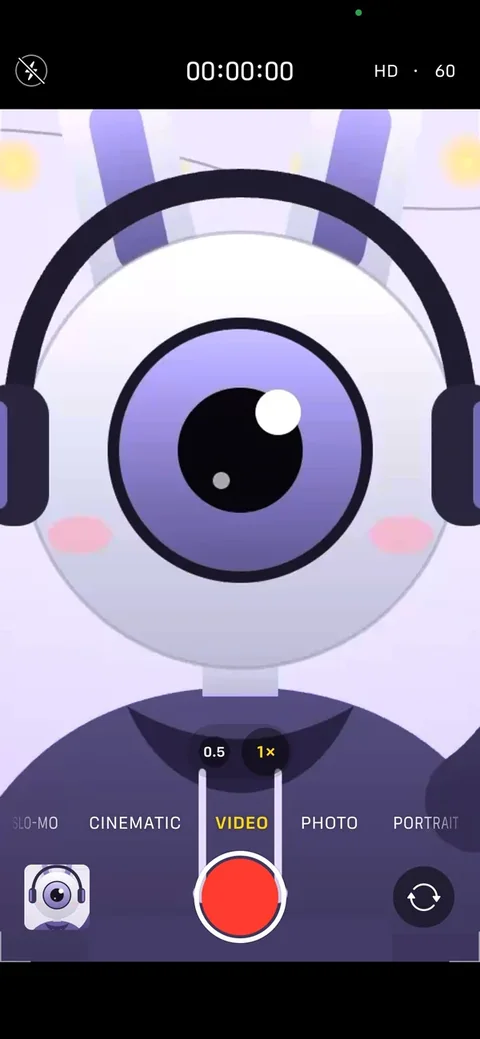
The iPhone's Camera app showing the computer's webcam

Tethera

Personal Hotspot, built in
Available

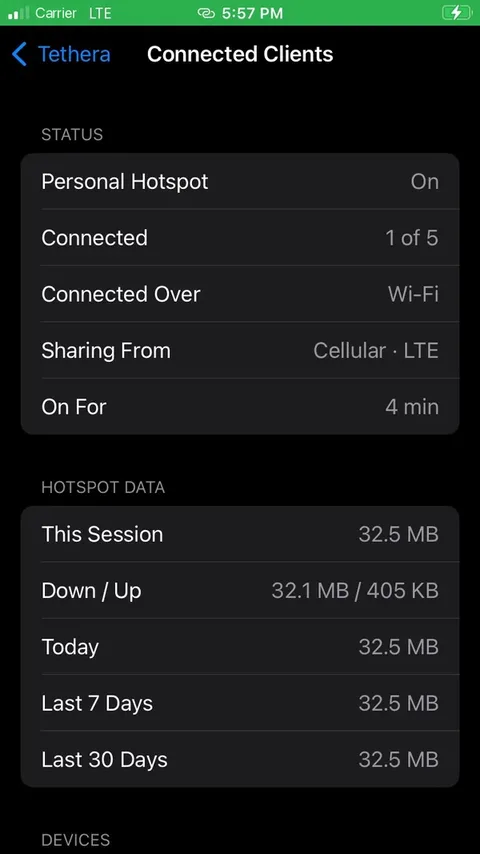
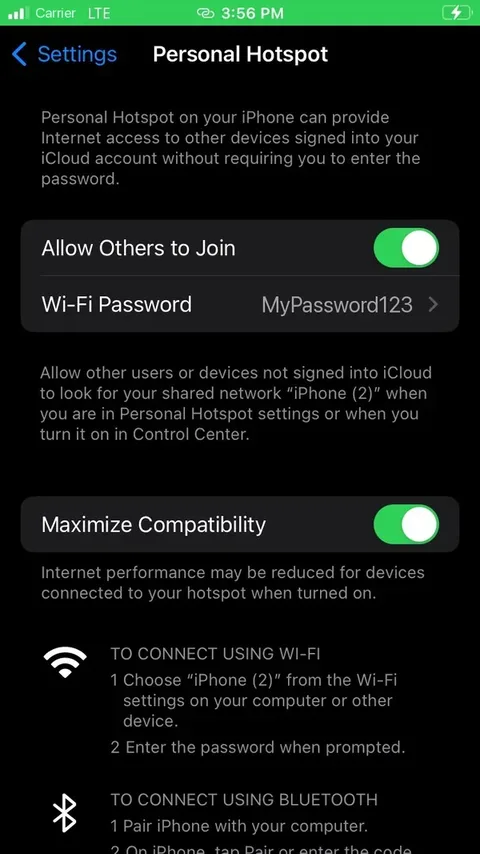
Personal Hotspot on your jailbroken iPhone, with Apple's own switch in Settings. Share your cellular data, the Wi-Fi your iPhone is on or a VPN, and see who's connected, live. Turned off, your iPhone behaves exactly as before.

  • Apple's own hotspot
  • Connected clients
  • Share cellular, Wi-Fi or VPN
  • Light on battery
Get it on Havoc Tethera iOS 15–26 · rootless
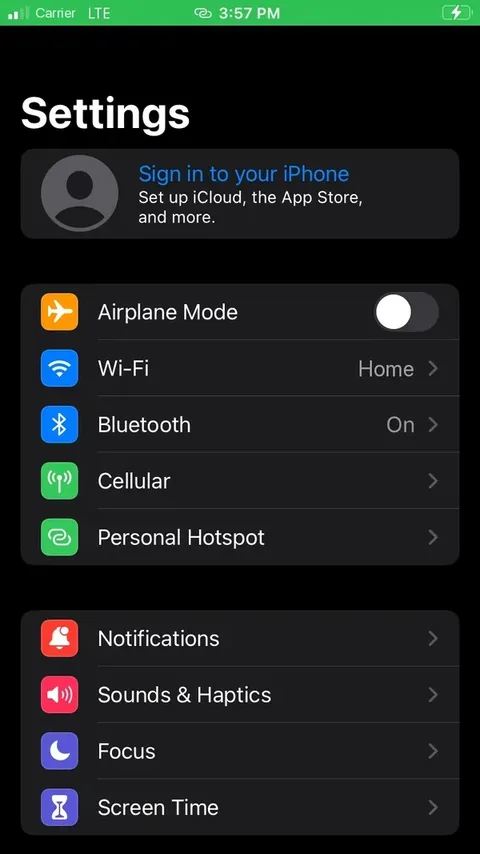
Settings with the Personal Hotspot row
Tethera's list of connected clients
The Personal Hotspot page in Settings, switched on

Unknowns

Strangers, tucked away
Available

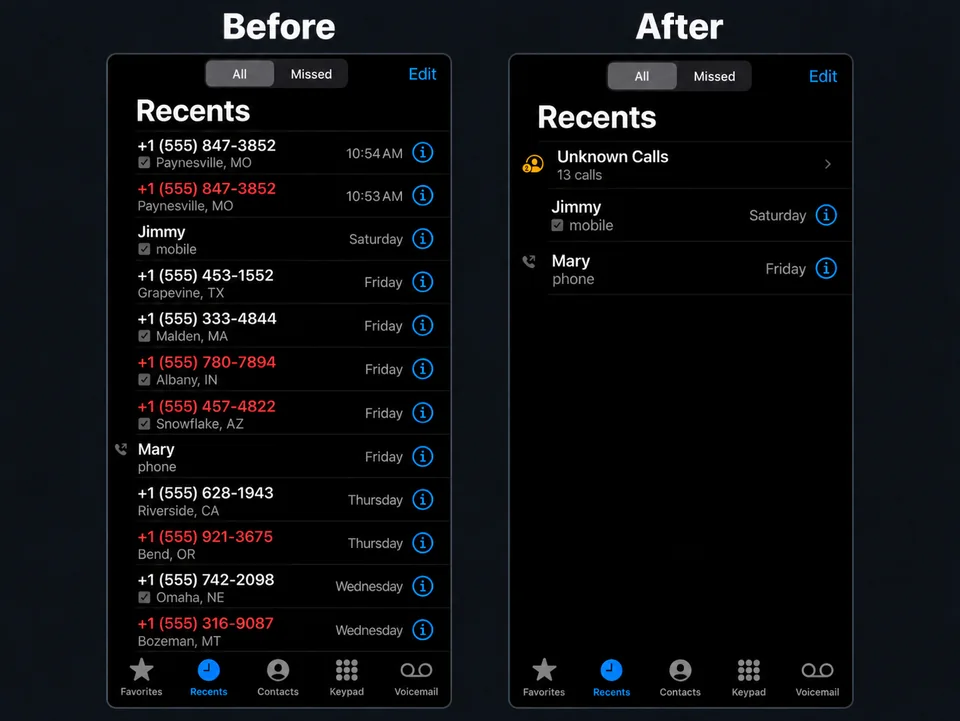
Calls and texts from people who aren't in your Contacts fold into one collapsible row, in Recents and in Messages. They arrive without a sound and without lighting the screen, and stay off your badges, while friends, replies and sign-in codes come through as usual.

  • Calls and texts
  • Silent and dark
  • Off your badges
  • Codes still ring
Get it on BigBoss iOS 15+ · rootless
The Phone app's Recents list before Unknowns, full of unknown numbers, and after, with them folded into one Unknown Calls row
Approach

Built to belong.

Feels nativeSettings live in the Settings app and look like they belong there. Changes apply as you make them.
Light on the phoneProfiled on real iPhones. Background work stays out of the way, and out of your battery.
PrivateNo accounts, no analytics, no tracking. Not in our tweaks, and not on this site.
RootlessBuilt for today's jailbreaks: rootless, iOS 15 and later, on arm64 and arm64e.

Questions, ideas, bugs?

Found a bug, have an idea, or just want to say hi? Get in touch.

Get in touch.

Only used to reply. Never shared.